Talking to My Scales: A Withings MCP Server
I’ve been building a small collection of personal MCP (Model Context Protocol) servers that let an AI assistant like Claude pull data from the services I actually use — Strava, Spotify, Garmin, and my Withings body scale. This post covers the Withings one: how it authenticates, what it exposes, and how to set up the developer application on Withings’ side so it actually works.
What the Withings MCP server does
At its core, the server is a thin, read-only wrapper around the Withings Public API. It exposes a handful of MCP tools that an assistant can call:
- withings_body_measures — returns a time series of weight, fat mass, muscle mass, fat ratio, and vascular age over a given date range (or a rolling number of days), with options to downsample to one reading per day and cap the total number of points returned.
- withings_latest_body — a convenience wrapper that just returns the most recent reading for each of those metrics.
- withings_ecg_list — lists ECG recordings and AFib classifications taken with a Withings device, paginated with offset/limit.
- withings_ecg_get — fetches the raw ECG signal for a specific recording, truncated to a sensible number of samples so it doesn’t flood the conversation.
Nothing here writes data back to Withings — it’s purely a read layer that turns “what was my weight trend last month?” into a couple of API calls the assistant can make on its own.
How authentication works
Withings uses standard OAuth2. Rather than have each MCP server run its own OAuth dance, I built one small FastAPI app that handles the browser-based authorization flow for Strava, Spotify, and Withings together. You open it in a browser once, click “Connect Withings,” approve the requested scopes, and it stores the resulting access and refresh tokens in a local SQLite database. From then on, the MCP server reads the token straight out of that database. If the access token has expired, it transparently refreshes it using the stored refresh token before making the API call — so once you’ve connected your account, you shouldn’t need to touch the browser again unless Withings revokes access.
Setting up the application on the Withings developer site
Before any of this works, you need to register an application with Withings so it will hand out a client ID and secret. Here’s the process:
- Sign in to the Withings developer portal with your Withings account.
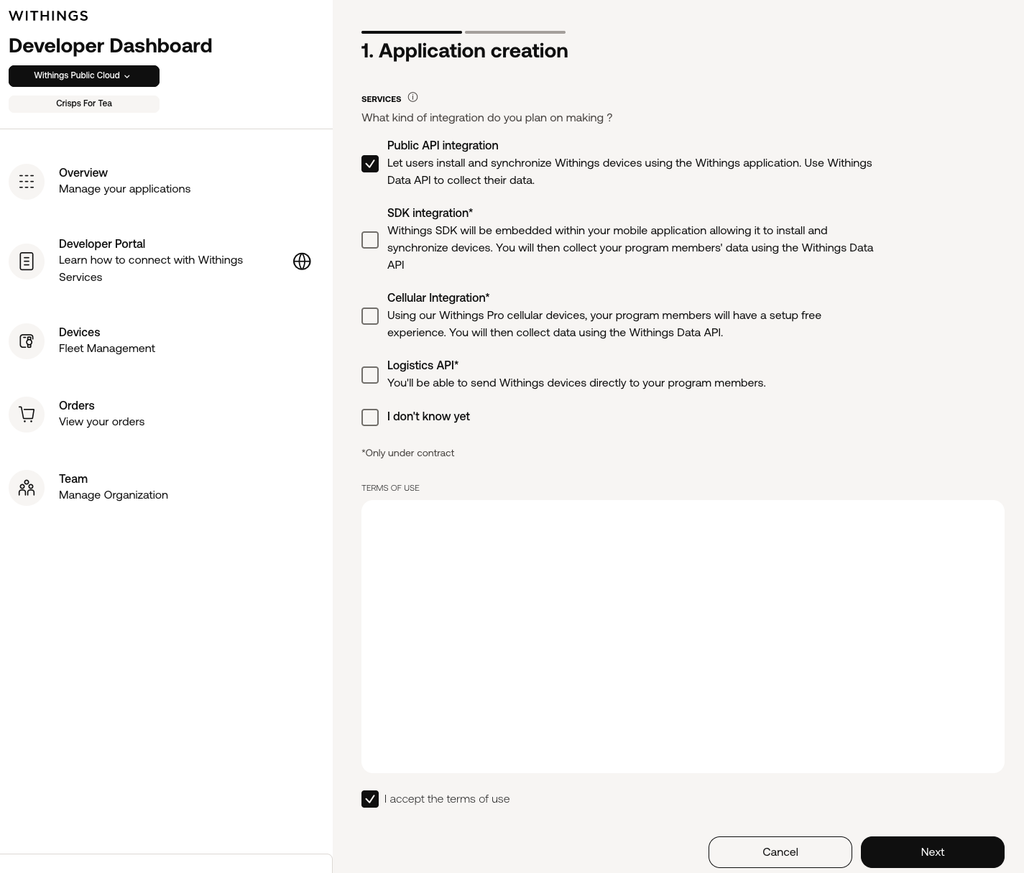
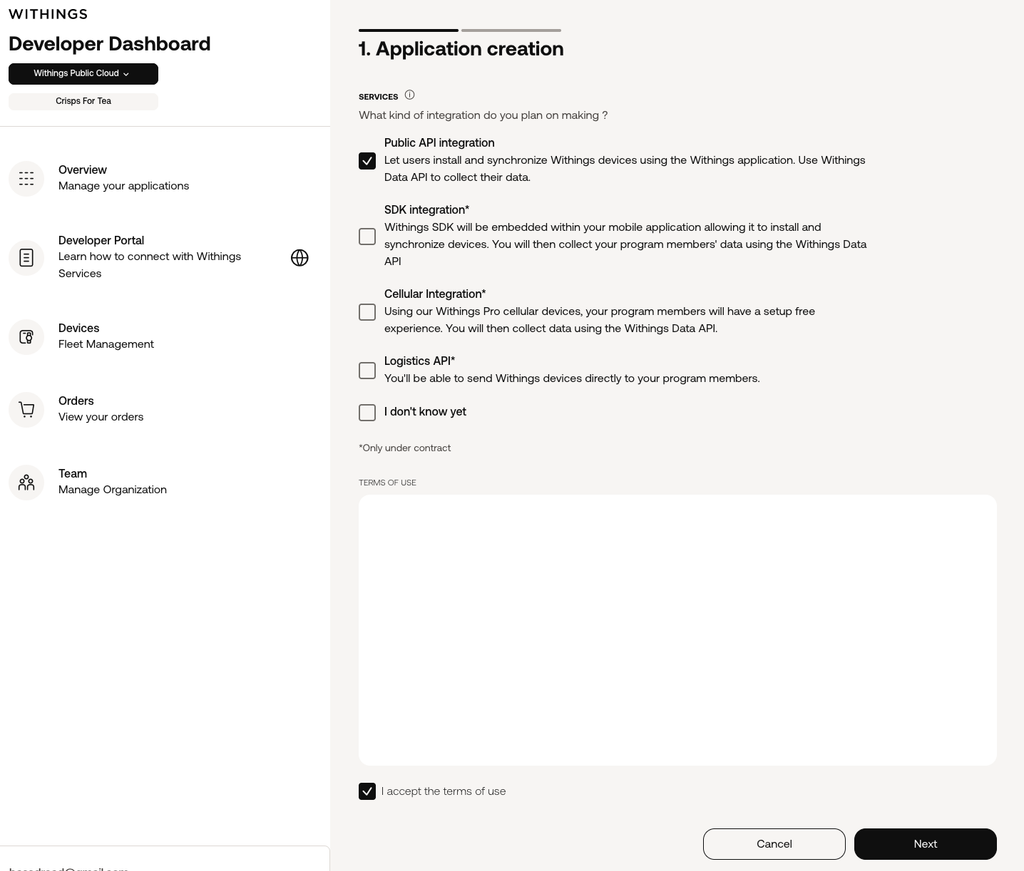
- Create a new OAuth application from the developer dashboard.
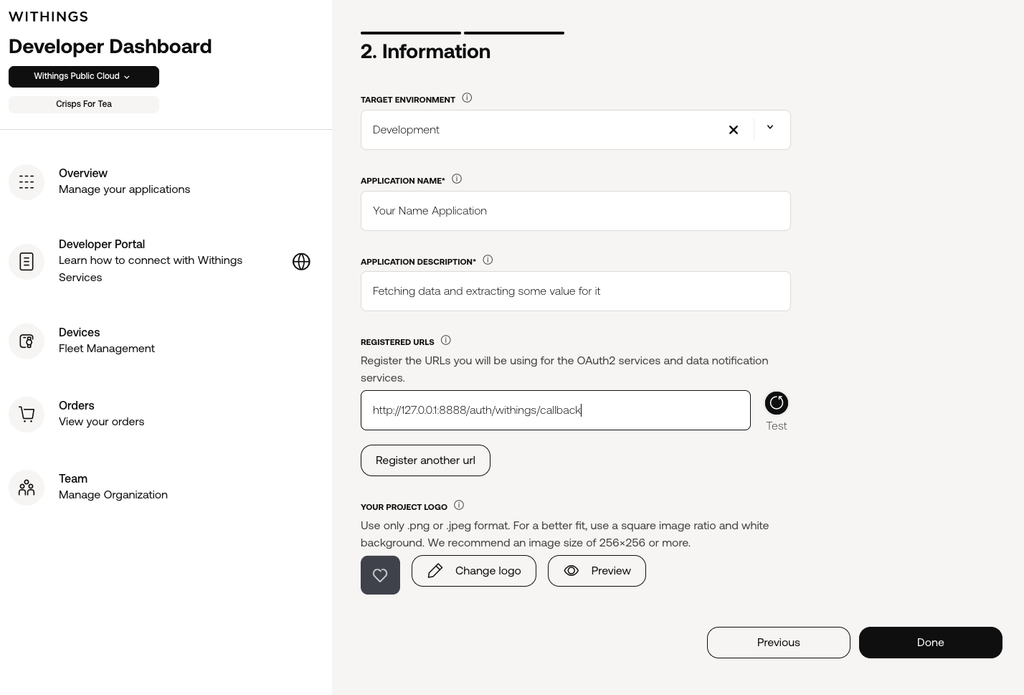
- Set the application’s redirect URI. For local development this is:
http://127.0.0.1:8888/auth/withings/callback
- Once the application is created, copy the Client ID and Client Secret Withings gives you.
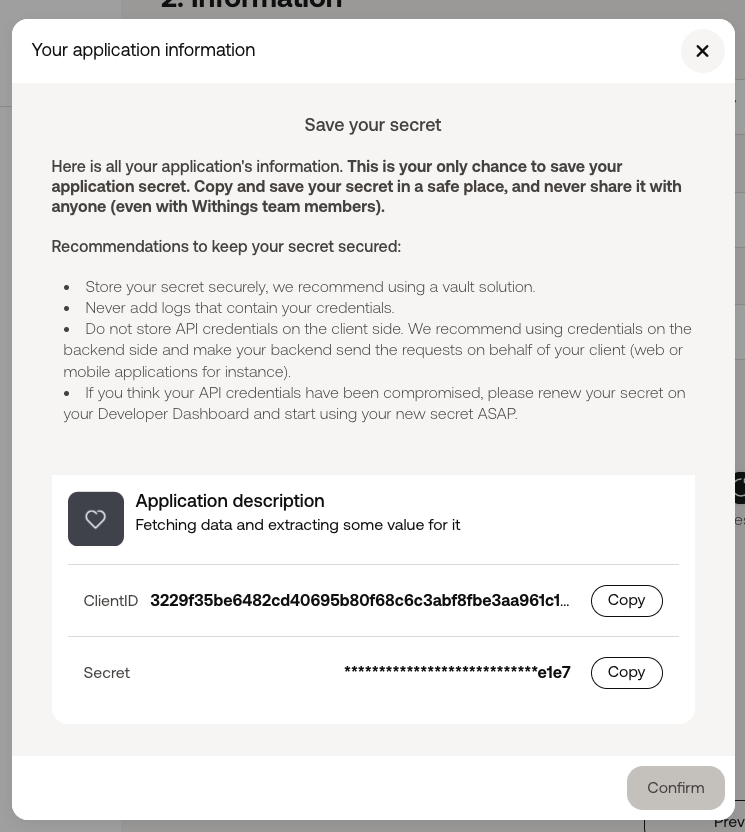
Drop those values into your .env file:
WITHINGS_CLIENT_ID="your-withings-client-id"
WITHINGS_CLIENT_SECRET="your-withings-client-secret"
WITHINGS_REDIRECTION_URI="http://127.0.0.1:8888/auth/withings/callback"
WITHINGS_API_ENDPOINT="https://wbsapi.withings.net"
The redirect URI in your .env file needs to match the one registered in the Withings app exactly — same scheme, host, port, and path. A mismatch here is the most common reason the token exchange fails.
Connecting your account
With the credentials in place, start the OAuth app:
uv run uvicorn main:app --host 127.0.0.1 --port 8888 --reloadOpen http://127.0.0.1:8888 in a browser, click the Withings connect button, and approve the requested scopes — in this case user.info, user.metrics, and user.activity. Withings redirects back to the callback URL, and a row gets written to a local withings_tokens table with your access and refresh tokens.
From there, you can run the Withings server on its own:
uv run python mcp_servers/withings_mcp.pyor as part of the combined server that also exposes Strava, Spotify, and Garmin tools together:
uv run python mcp_servers/connected_services_mcp.pyWhy bother with a whole MCP server for this?
The appeal is being able to ask an assistant something like “how has my weight trended over the last three months?” or “did I have any AFib flags on my last few ECGs?” and have it genuinely go fetch that data rather than guess. Once the OAuth handshake is done, the assistant doesn’t need any special knowledge of Withings’ API shape, it just calls a tool with a date range and gets clean, already-summarised data back.
It’s a small piece of infrastructure, but it’s the kind of thing that makes an AI assistant feel less like a chatbot and more like something that’s actually looking at your data.